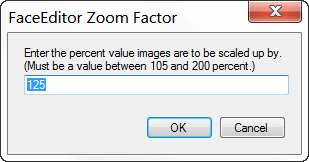
The Zoom Factor dialog allows you to set the current zoom factor to any value between 105 and 200 percent. The zoom factor determines how much the image is zoomed in or out each time you click the Zoom In or Zoom Out button on the tool bar or select Zoom In or Zoom Out from the View menu. The current zoom factor will be displayed in the View menu with a checkmark by it.
The zoom factor must be equal to or greater than 105 but less than or equal to 200. If the zoom factor is set to 200, each time you click on the Zoom In button on the toolbar the on screen image is enlarged by 200 percent so it becomes twice as large.
